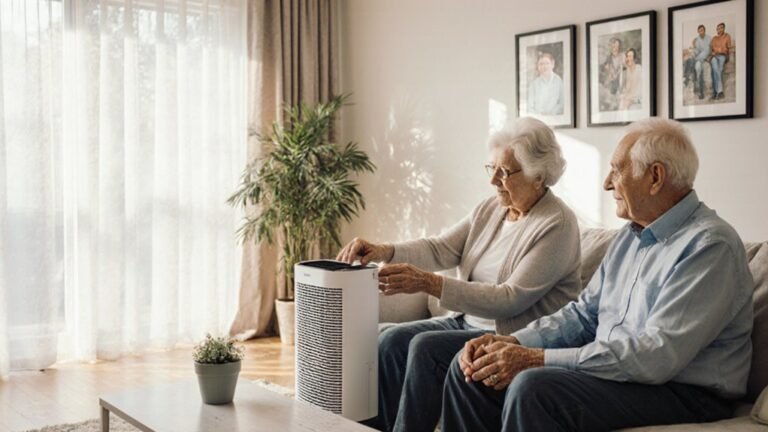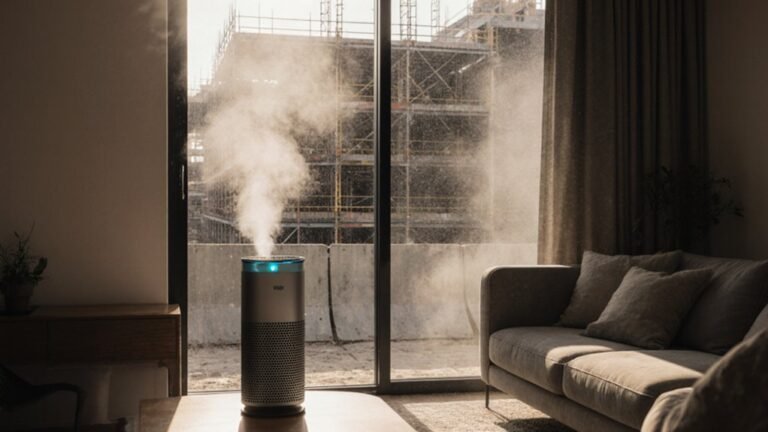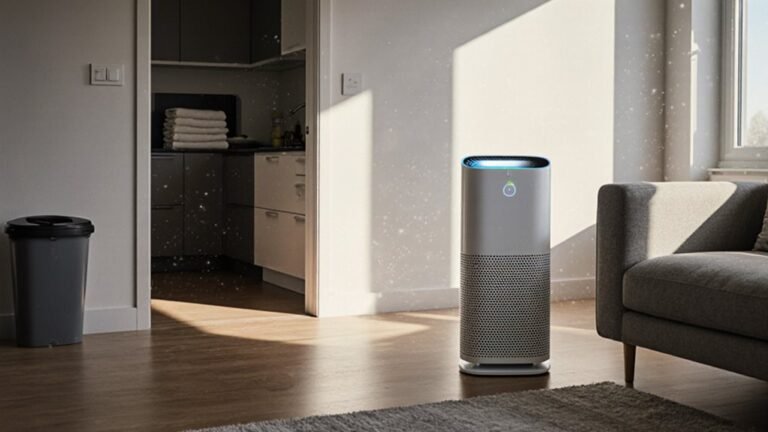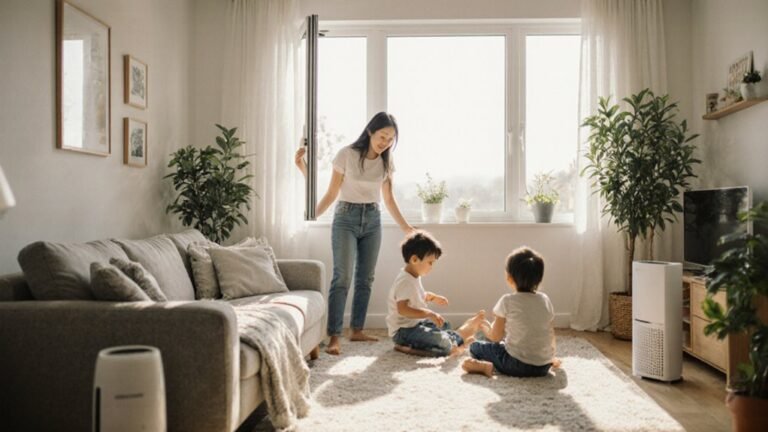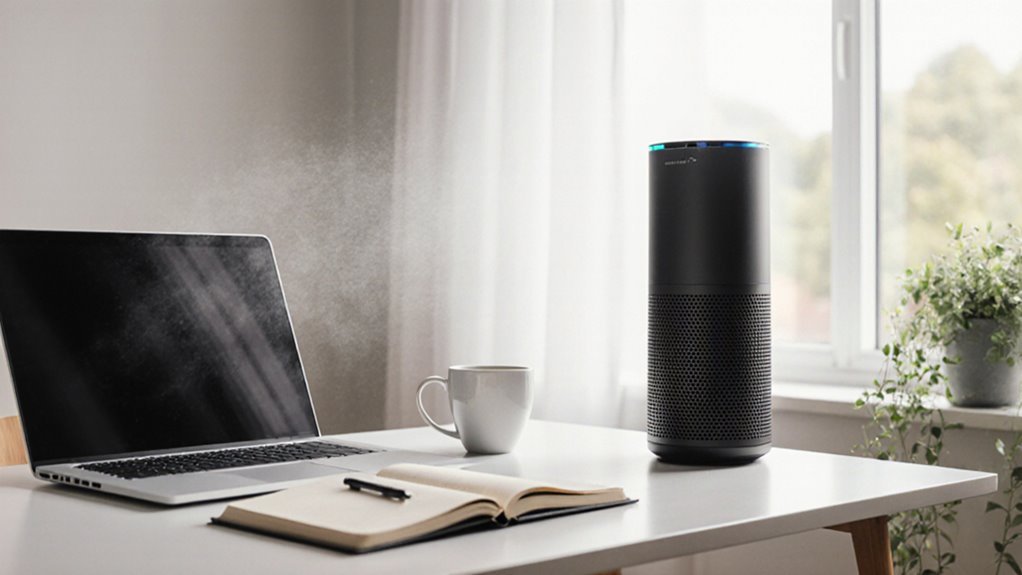

A room-sized HEPA air purifier reduces PM2.5, pollen, pet dander, and common odors for better indoor air during long workdays. Choose a purifier with a CADR matched to your room size to keep air circulating effectively. Place the unit for unobstructed airflow, swap filters on schedule, and pick ozone-free models to protect health. Consider noise levels and filter costs when comparing units, and coordinate with home HVAC to improve overall air quality. Small setup and maintenance choices significantly affect comfort and performance in a home office.
Do You Need an Air Purifier for Your Home Office?
So, do you actually need an air purifier in your home office? Should you notice PM2.5, pollen, pet dander, or you share space with someone who’s infectious, the answer is often yes.
A room-sized portable HEPA cleaner can cut particles a lot, especially whenever you match the CADR to your room. For a 300-square-foot office, that could mean about 260 cfm.
The cost benefit looks better provided your allergy risk is high or you sit in the room for hours. Run it all day at a speed you can live with, since longer use helps.
In case odors or VOCs bother you, look for strong activated carbon too. Skip ozone makers and shaky ionizers.
What Air Purifiers Can Actually Do
An air purifier can do a lot more than sit in the corner and hum politely. It can cut PM2.5 in your room about 50 to 80%, so you breathe easier while you work. | What it does | Why it helps |
| — | — |
|---|---|
| HEPA filtering | Traps fine particles |
| Activated carbon | Cuts many odors and VOCs |
| Continuous use | Cleans more air over time |
For long term comfort, keep it running while you’re at your desk. Higher speeds move more air, but noise and energy consumption can rise, so pick a pace you can live with. Simple maintenance matters too, because loaded filters lose strength. Skip ozone makers and shady ionizers; you don’t need extra irritation in your workspace household.
How to Choose the Right CADR
You want a CADR that matches your room size, because the right number helps your purifier clean the air without struggling.
In case your ceilings are higher than 8 feet, choose a stronger unit so it can still move enough air through the space.
For tiny particles like PM2.5, look at the smoke CADR to begin with, since that tells you how well it handles the stuff that lingers longest.
Match CADR To Room
Choosing the right CADR can take the guesswork out of cleaner air. You can match your room CADR to your space with a simple guide: about 130 cfm for 100 ft², 195 for 200, 260 for 300, 325 for 400, and 390 for 500, based on 8-foot ceilings.
Should your ceiling be taller, use a ceiling adjustment and choose a higher rating so the air keeps moving well.
Whenever you care about PM2.5 or viral aerosols, check the tobacco smoke CADR initially, since it tracks fine particles better.
Also, bear in mind that ratings come from the highest fan speed. Pick a unit you’ll actually run, even though it hums a little.
For shared spaces, either size up for both rooms or place two units where you spend time.
Size For Ceiling Height
Whenever your ceiling runs taller than 8 feet, the purifier has to work harder to clean the same room, so the CADR should rise with the room’s total air volume. Start with the EPA chart for an 8-foot room, then apply a ceiling conversion by multiplying the baseline CADR by your ceiling height divided by 8.
A 10-foot ceiling needs about 25% more CADR, because vertical stratification can leave dirty air hanging above you. So, in case your office feels like a cozy team space, size the unit for the full room volume, not just the floor.
For PM2.5, check the tobacco smoke CADR, since ratings are set at top speed and vary by particle type. Assuming your central air runs too, pair it with the right portable unit.
Choose Higher Smoke CADR
A higher smoke CADR can make a big difference in your office comfort, especially provided PM2.5, traffic haze, or cooking smells keep drifting in from outside. You should match the smoke CADR to your room size, then bump up one size when your ceiling is tall or you want faster cleanup.
For example, a 100 square foot room needs about 130 cfm, while a 500 square foot room might need about 390 cfm. Since smoke CADR tracks tiny particles, it’s the best number for combustion dust and traffic grit.
Also, bear in mind that CADR often reflects the highest fan speed, so quieter settings could need an extra capacity higher speed surge. Should odors matter too, choose HEPA plus enough carbon for a real performance margin.
Best Filters for Allergens and VOCs
For allergens and VOCs, the right filter can make your workspace feel a lot more comfortable, especially should you spend long hours at home. You’ll want a true HEPA filter for pollen, pet dander, and dust because it captures 99.97% of tiny particles. Check the CADR so it matches your room size.
After that, focus on Carbon sizing, since VOCs and odors need a thick activated carbon bed, not just strong airflow. Should you prefer both clean air and easier breathing, pair a high-CADR HEPA unit with a heavy carbon cartridge.
For home HVAC, aim for the highest MERV your system can handle, often MERV 13. Good HEPA maintenance and timely carbon replacement keep your setup working like part of your team.
Where to Place an Air Purifier
Once you’ve picked a filter that can handle allergens and VOCs, the next big step is putting the purifier in the right spot so it can actually do its job. Put it in the room where you work most, like your home office, so you get the most protection where you need it.
For good airflow, use floor positioning with clear space around the unit. Keep it a few feet from walls, curtains, and furniture. Avoid soft spots like beds or rugs that can block vents.
Should you be able to, aim it toward you, not behind you, and don’t park it near open windows or doors, since that can waste clean air. With the right window placement, your purifier can help your space feel fresher and more like yours.
How Purifiers Affect Noise and Focus
A purifier can help you focus by masking stray sounds with a steady hum, and many models sit around 50 dB, which feels a lot like a modern fridge.
You’ll usually get the quietest setup when you place it near your desk with clear airflow, since that lets you use a lower fan speed without losing much cleaning power.
Should you need more filtration, you can raise the fan speed, but you’ll want to balance that increase against the extra noise so your workday stays calm and steady.
Noise Levels and Concentration
While you work near an air purifier, the sound can either help you focus or chip away at it, so picking the right noise level matters more than many people expect. Many models sit near 50 dB on medium, like a modern refrigerator, so you might want a quieter unit or a lower speed.
Whenever the airflow sounds steady, it can create sound masking and soften random household noise, which supports your cognitive performance. Still, should the hum stay above about 45 dB, some complex tasks can feel harder, especially for sensitive ears.
- Check the dB rating at each fan speed.
- Look for ENERGY STAR or quiet-mode labels.
- Use higher speeds whenever you’re away, then return to a calm setting for work.
Placement for Quiet Airflow
For quieter, steadier airflow, place your purifier at least 3 feet from walls and bulky furniture, then aim it across the room instead of straight at your desk. That room orientation helps the air mix smoothly, so you’re less likely to hear harsh swirls while you work.
Keep it in your main office or bedroom, and shut the door whenever you can; smaller spaces need less effort, which supports calmer airflow tuning. Should curtains or an HVAC return block the path, shift the unit a bit until the stream stays open.
Once your space feels busy, move the purifier farther from you but still in the room. A tabletop model can fit neatly beside you, and its soft hum could even help you feel more settled with the team around you.
Fan Speed Versus Focus
Once you’ve set your purifier in a quiet spot, the next question is how fast it should run while you work. Higher fan speed pulls more particles from your room, but it also raises noise, often to about 50 dB. That can shake your focus, especially on calls or deep work.
A lower setting still helps, just less strongly, so you want a unit with enough CADR at a moderate level.
- Choose a purifier with strong CADR and low noise.
- Let the steady white hum mask small home sounds.
- Use adaptive speed whenever your room feels busier.
Whenever you match size and speed well, you get cleaner air without feeling like you work beside a tiny jet engine.
How HVAC Filters Help at Home
At home, your HVAC filter can quietly do some of the heavy lifting for cleaner air, especially should you work remote and spend most of your day indoors. But it only helps provided your HVAC runtime is up, so a longer fan schedule can make a real difference.
Choose the highest-efficiency filter your system can handle, ideally MERV 13, because it can remove many tiny particles. Also, check Filter fit. A snug, correctly sized filter blocks bypass and keeps air moving well. Assuming a filter bends or crushes, it loses power and can strain your system.
Replace it every 60 to 90 days, or sooner provided it looks dirty. Since stronger filtration ought to affect energy use and comfort, ask an HVAC pro prior to you upgrade.
Purifier Safety, Ozone, and Mold
When your home purifier looks harmless, its design still matters a lot for your lungs and your habitat. You want clean air, not concealed trouble.
- Skip ozone generators.
- Check CARB and AHAM lists.
- Keep filters and carbon fresh.
Some devices, like ionizers, electrostatic units, or certain UV and plasma models, can raise ozone concerns. Ozone irritates your lungs, and no federal agency approves ozone makers for occupied rooms. Instead, choose portable HEPA and activated-carbon cleaners. They don’t add ozone, and they can help with mold spores and odors.
Still, mold remediation means fixing the moisture source, or the growth returns. In case you use whole-home UV lamps, make sure a pro installs them with proper coatings. Then keep filters changed on schedule, because dirty media weakens safety and airflow.
Frequently Asked Questions
Can an Air Purifier Reduce Remote Work Headaches?
Yes, an air purifier can help reduce your remote work headaches by removing irritants and calming stress triggers, but you will also need balanced indoor humidity, regular breaks, and a workspace that feels comfortable and welcoming.
Do Purifiers Help With Pet Dander in Shared Offices?
Yes, you will breathe easier: purifiers can cut pet dander in shared spaces, especially with strong HEPA efficiency for allergen removal. You will feel more comfortable, connected, and confident once everyone shares cleaner air.
How Often Should Remote Workers Replace Purifier Filters?
You should replace purifier filters every 3 to 12 months, depending on usage, filter lifespan, and air quality. Check your replacement schedule monthly, and stay alongside your crew keeping your workspace fresh, healthy, and welcoming.
Can One Purifier Serve Multiple Rooms During the Day?
Yes, one purifier can serve multiple rooms provided you move it like a lantern between spaces. Portable units work best with zoning strategies, and you will help everyone feel included by giving each room its turn.
Are Air Purifiers Worth It for Video Calls?
Yes, you’ll likely find them worth it: they quiet background noise, support better camera lighting by reducing haze, and help you feel more confident on calls, like you belong in every conversation.