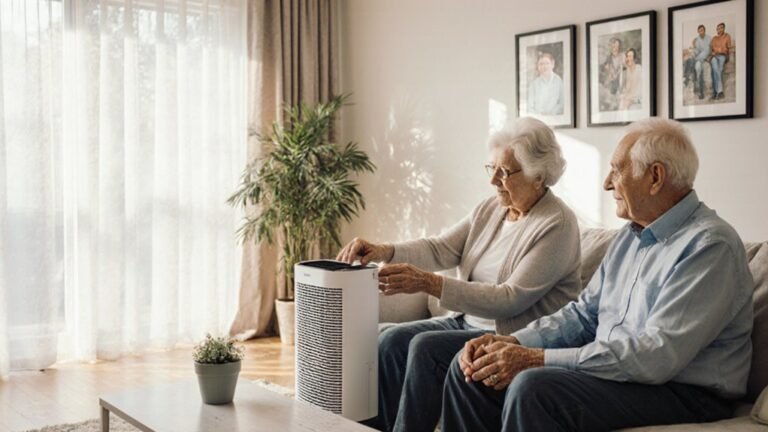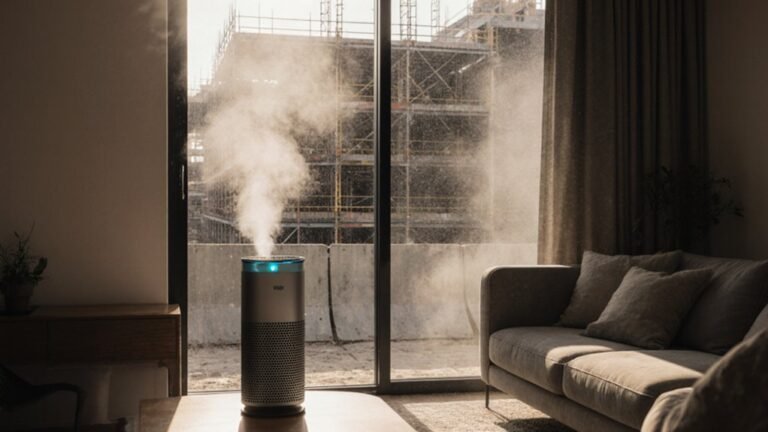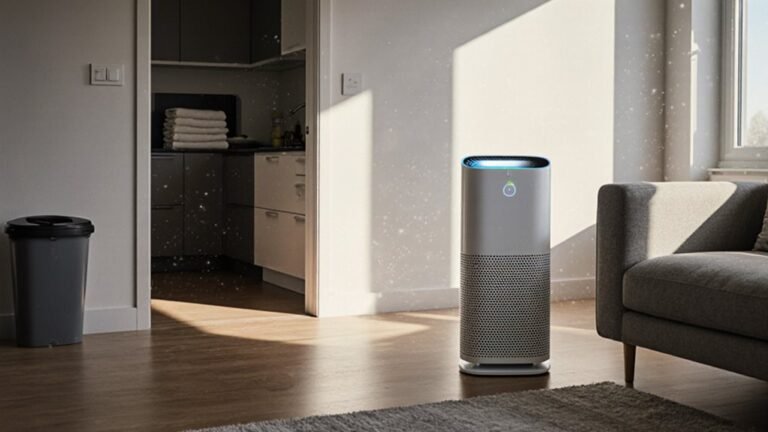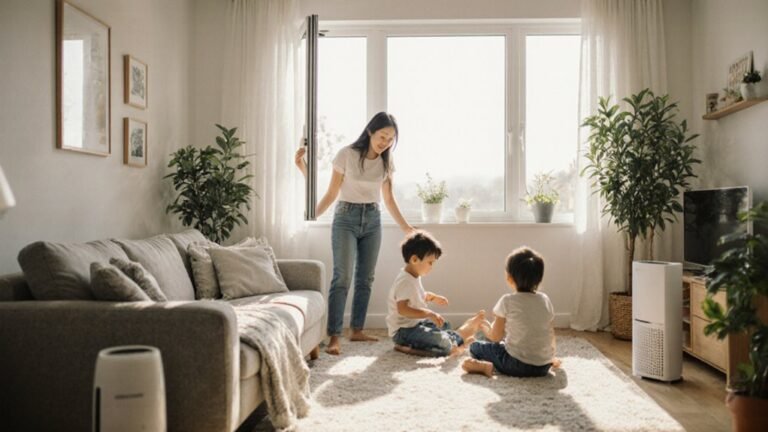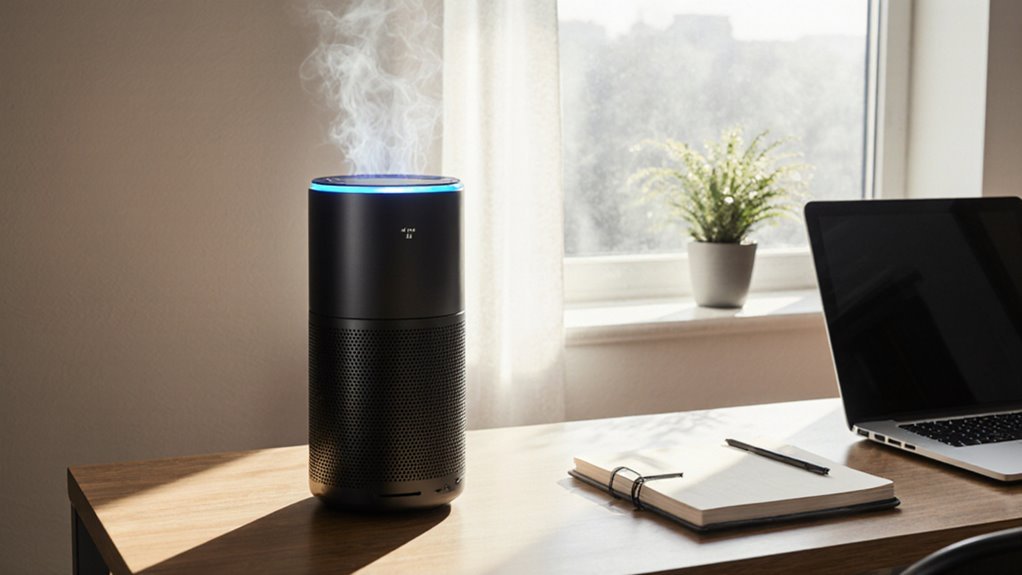

An air purifier improves home office air by removing dust, pet dander, odors, and smoke. Clean indoor air supports clearer thinking, fewer allergy symptoms, and better overall comfort. Choosing the right model and placing it properly maximizes particle and odor removal. Regular filter replacement and basic maintenance keep performance consistent over time. Small investments in air cleaning create a noticeably fresher, more focused work environment.
Are Air Purifiers Worth It for Home Offices?
Yes, an air purifier can be worth it for your home office provided you deal with dust, pet dander, odors, or wildfire smoke, because it helps make the air feel cleaner while you work.
You might notice the cost benefit when you compare the unit price with fewer sneezes, less stuffiness, and a calmer room.
That matters for your mental health impacts, too, since a fresher space can help you feel more settled and focused during long calls.
Should you share your office with a cat, a partner, or a noisy street, you’re not alone in wanting relief.
Just make sure you pick a model that fits your room size and filter needs, so you get real value instead of paying for empty promises.
How Air Purifiers Improve Home Office Air
An air purifier can quietly change the feel of your home office via pulling out the tiny particles that make a room feel heavy, dusty, or irritating. You breathe easier whenever it catches reduced allergens, like dust and pet dander, and that can help you settle in with less sneezing and less scratchy eyes.
As the air clears, you might notice heightened focus because your body spends less energy fighting irritation. Many people also value the health benefits of cleaner air during long workdays, especially in rooms that stay closed.
Then there’s noise masking, which can soften small sounds from the hallway or street, helping you feel more at ease. Together, these changes make your workspace feel calmer, cleaner, and more like it’s truly yours.
Top Features for Home Office Purifiers
Whenever you’re choosing a purifier for your home office, the best features are the ones that make the air cleaner without making your workday harder. You want low noise so your calls stay clear and your focus stays steady. A simple auto mode helps you breathe easier without nonstop button pushing, and it fits right into a busy day.
Look for a true HEPA filter for fine dust, plus activated carbon for odors from lunch, pets, or yesterday’s mail. A washable pre-filter can save you time, and smart controls let you change settings without leaving your chair.
Good cable management also matters, because neat cords keep your desk calm and safe. Choose sturdy feet, too, so the unit won’t rattle beside your workspace.
How to Choose the Right Size and CADR
Start by measuring your home office and noting the ceiling height, because room size sets the baseline for the purifier you need.
Then compare that space to the smoke CADR rating, since that number gives you the clearest guide for fine particles and everyday air cleanup.
After that, consider about placement too, because the right spot helps the purifier cover your desk area without wasting airflow.
Room Size Basics
Picking the right air purifier size for your home office can feel tricky, but it gets much easier once you focus on room area and CADR, which is the clean air delivery rate. You want a unit that fits your space, so you don’t feel left out because of weak airflow or stuck with a giant machine. Start with occupancy calculations, then make ceiling adjustments provided your room runs tall.
| Room size | What to look for |
|---|---|
| Small office | Compact purifier, steady coverage |
| Medium office | Midrange CADR, balanced comfort |
| Large office | Higher CADR, stronger reach |
For a 10 by 12 room, a smoke CADR near 80 often works well. Also, choose a purifier that matches your daily rhythm, so your desk feels calm, shared, and ready for focus.
Match CADR Ratings
To choose the right purifier size, match the smoke CADR to your room, because that number tells you how much clean air the unit can move for fine particles like PM2.5. Start with the AHAM 2/3 rule, so a 120-square-foot office needs about 80 CADR. In the event your ceiling is higher than 8 feet, size up, since room air grows fast.
Then check the smoke rating initially, because it matters most for tiny particles. Dust and pollen ratings can help, too, but they don’t replace smoke CADR. For steady comfort, aim for 3 to 4 ACH; for allergies, pets, or smoke, look for 4 to 6 or more. A quick CADR calibration and seasonal adjustment keep your choice feeling right as your space and habits change.
Placement And Coverage
A well-placed purifier can feel like a quiet helper in your home office, because where you put it matters almost as much as the size you buy. Check the room’s square footage, then choose a smoke CADR close to two thirds of that number. Use this quick guide:
| Room size | Smoke CADR |
|---|---|
| 100 sq ft | 70 |
| 150 sq ft | 100 |
| 250 sq ft | 170 |
| 350 sq ft | 230 |
| 500 sq ft | 330 |
If your ceiling is taller than 8 feet, size up. Place the unit near your desk or pollution source, but keep nearby obstructions away from the intake. You’ll get better flow whenever floor diffusers can move air freely, and that helps you feel more settled, focused, and at home.
Where to Place Your Air Purifier
Once you place your air purifier in the right spot, it can do its job without having to work so hard. Put it where air can move freely, not tucked behind boxes or wedged in a corner.
Should you sit near microphone during calls, keep it 1 to 2 feet from your desk so its fan won’t add rumble to your voice. For better under desk airflow, avoid blocking the intake with bags, cables, or file bins.
A spot beside you often works well because it helps clean the air you breathe without crowding your space. Were you to have a printer, pet bed, or open window nearby, place the unit closer to that source. You’ll create a calmer workspace, and your purifier can keep up with your day.
How to Maintain Your Air Purifier
Regular maintenance keeps your air purifier quiet, steady, and ready to protect your home office whenever you need it most.
Dust the outside weekly, and vacuum the intake vents so airflow stays strong. Then check the pre-filter and rinse or replace it before buildup slows the fan.
Keep the main filter sealed in proper filter storage until you need it, so moisture and odors don’t sneak in. Also, follow seasonal cycling by swapping filters when pollen or smoke peaks, because your room’s needs change through the year.
Wipe sensors gently with a dry cloth, and examine the unit on low, then higher speed, to catch unusual noise early.
Finally, note replacement dates on a calendar, so you and your workspace keep moving together without surprise hiccups.
Frequently Asked Questions
Can Air Purifiers Remove Office Printer VOCS and Toner Particles?
Yes, an air purifier can reduce printer emissions and toner particles, especially with True HEPA and activated carbon. You will breathe easier, but keep the printer ventilated and replace filters regularly for best results.
Do Air Purifiers Help With Noise During Video Calls?
Yes, you will hear less background noise if you place it well and use low mode. It will not replace acoustic treatment, but it can soften fan, outdoor, and HVAC noise during your calls.
How Often Should Carbon Filters Be Replaced in a Home Office?
You should typically replace carbon filters every 6 to 12 months. Some studies show odors can return sooner in high activity rooms. Filter lifespan depends on smoke, pets, and VOCs, so follow a replacement schedule and check the filter monthly.
Can One Purifier Handle an Open-Plan Home Office?
Yes, provided you size it right. You can handle an open plan home office with one purifier whenever you match CADR to the area, use smart airflow zoning, and optimize purifier placement near your main work zone.
Are HEPA-Type Filters as Effective as True HEPA?
No. HEPA type filters usually are not as effective as true HEPA. You get better particle capture with true HEPA. Check HEPA variants and filter standards so you can choose with confidence instead of guessing, and you will be a smarter buyer.