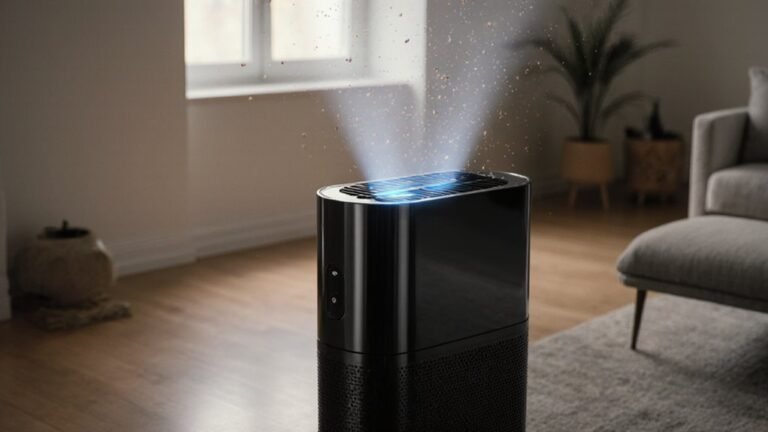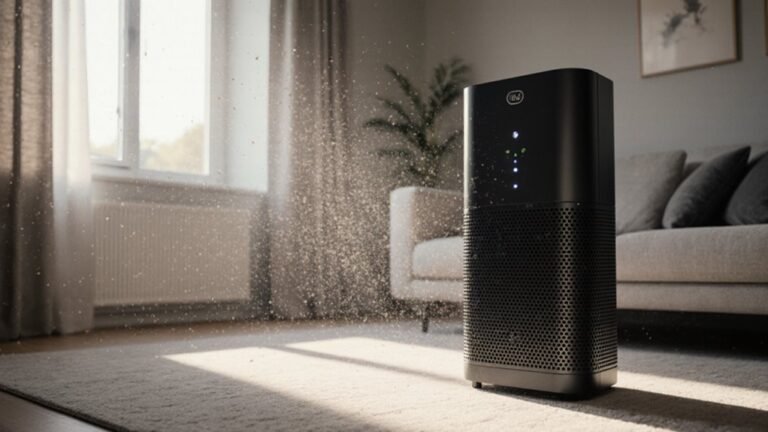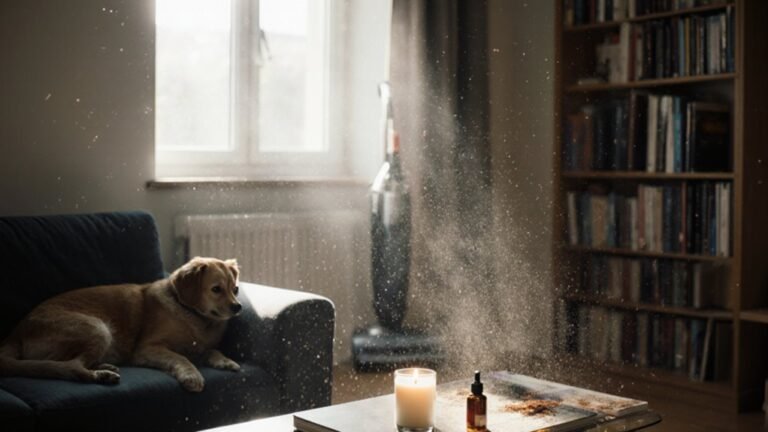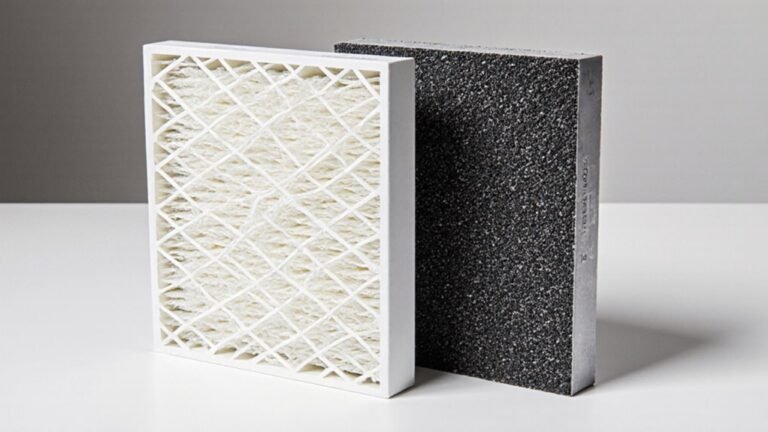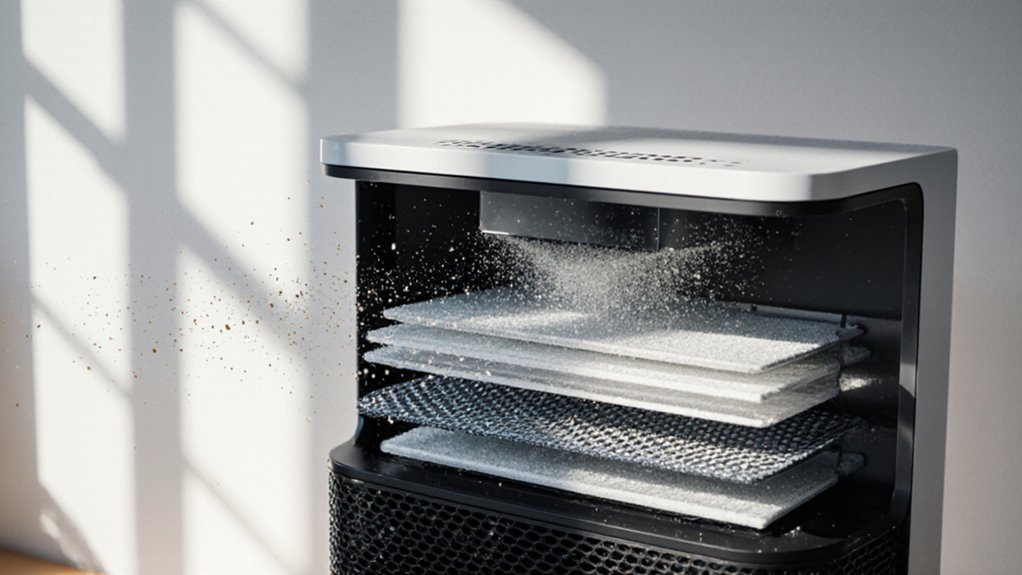

Air purifiers remove odors and fine dust by pulling room air through layered filters. Larger particles are captured by pre-filters, protecting finer media. A true HEPA layer traps tiny particles using dense fibers, interception, diffusion, and electrostatic attraction. Some units add activated carbon to absorb gases and volatile compounds. Effectiveness depends on filter quality, airflow rate, and proper maintenance.
What Fine Dust Air Purifiers Capture
Fine dust might seem harmless, but it’s often the trickiest stuff in the air, and that’s exactly what a good purifier is built to catch. You share your space with particles from smoke, traffic, soil, and daily life, and numerous are small enough to stay airborne for hours.
Your purifier targets PM2.5 and even smaller specks, where nanoparticle behavior makes them drift, swirl, and slip past bare eyes. As those particles move through the filter, some stick because of their size, while others respond to electrostatic decay and lose their charge.
That helps the media hold them more easily. So whenever you breathe, you’re not just clearing dust. You’re making room for cleaner air and a calmer home.
How Air Purifiers Remove Fine Dust
Air purifiers don’t just catch dust via luck, and they don’t need to trap every speck the same way. You feel the room change as air moves through fibers, where bigger bits hit and stick, while tiny ones wander into the filter and get pulled in through electrostatic filtration. That mix helps you breathe easier with your people nearby.
- Pre-filters grab hair and lint initially
- Main filters slow dusty air
- Fine particles meet fibers head-on
- Charged media pulls stubborn specks
- Lower particle resuspension keeps dust from floating back
Because clean air keeps moving, less dust settles on tables, beds, and shared spaces. You get steadier comfort, fewer sneezes, and a home that feels easier to belong in, especially once the room stays calm and fresh.
Why HEPA Filters Work Best for Dust
HEPA filters earn their reputation because they catch dust in more than one way, and that matters should you want cleaner air you can actually feel.
You get interception, where drifting particles touch fibers and stick. You also get impaction, which traps bigger specks as airflow bends around the media. For tiny dust, Brownian motion helps the filter win, and electrostatic attraction gives those fibers extra pull.
Because HEPA uses depth filtration, dust doesn’t just sit on the surface; it works through the whole mat, making capture more complete. That mix helps you breathe easier in busy rooms, pet spaces, and homes that never seem fully clean.
It’s a quiet system, but it pulls its weight whenever you want to belong in a fresher, calmer space.
Do You Need Activated Carbon for Dust Odors?
Dust can leave more than a mess behind, and that’s where odor starts to matter too. Should your space smells stale after sweeping or a dusty project, you might want activated carbon. It uses carbon adsorption to trap odor-causing gases, so the air feels fresher and more comfortable for you and your crew.
- It helps with musty dust smells.
- It supports odor neutralization after cleanup.
- It works best with a HEPA filter for particles.
- It won’t replace regular dust removal.
- It can ease pet, smoke, and room odors.
You don’t always need it for plain dust, but it’s a smart add-on whenever smells stick around. That way, your room feels cleaner, calmer, and a little more like home.
Why CADR Matters for Dust Removal
While you’re trying to clear fine dust, CADR matters because it tells you how much clean air the purifier can move through your room each minute. You can use it to feel confident, not confused, because strong air flow helps dust leave the air faster.
| CADR clue | What it means |
|---|---|
| Higher number | More cleaned air |
| Lower number | Slower dust removal |
| Dust rating | Better for fine dust |
| Filter sizing | Fits the purifier’s output |
| Room comfort | Less lingering dust |
When you compare models, CADR helps you see whether the purifier can keep up with your space. It also shows how well the fan and filter work together, so you’re not left guessing. With the right balance, you’ll breathe easier and feel like the room is working with you, not against you.
Choose the Right Purifier for Your Room
Now that you know CADR helps you judge cleaning speed, you can match the purifier to your room with a lot more confidence. Whenever you do room sizing, pick a unit that fits your space, not your hopes. A small bedroom needs less power than a busy household room, and that choice keeps you in the same club of people who breathe easier.
- Check the room square feet initially.
- Look for a real HEPA rating.
- Match CADR to the room size.
- Consider the noise tradeoff at night.
- Choose a filter you can afford to replace.
If you share a home with kids, pets, or allergy buddies, a stronger model can help everyone feel included. Still, a louder fan can get old fast, so balance comfort with power.
Where to Place Your Air Purifier
A little thoughtful placement can make your air purifier work a lot harder for you, and that can feel like a real win on dusty days. Put it where air moves freely, so it can pull in fine dust instead of fighting furniture or curtains. A spot near window placement can help should outside air bring in dust, but keep the unit a few feet back so it can breathe well.
Also, watch corner airflow. A tight corner might trap stale air, yet a small gap from the wall helps the purifier spread clean air more evenly. You’ll get better comfort once you set it in the room you use most, especially near your bed, desk, or sofa. That way, you stay close to the cleaner air you want and deserve.
When to Clean or Replace the Filter
Usually, you can tell it’s time to clean or replace your filter whenever your purifier starts working harder but the air still feels dusty. You’re not alone in this check, and a quick look can save your room from stale air. Watch for these replacement indicators:
- Dust clinging to the grille
- A darker, packed filter
- More noise from the fan
- A shorter filter lifespan than usual
- A reset light that stays on
If your model uses a washable pre-filter, clean it initially and let it dry fully. Then check the main filter. Once the buildup looks heavy or the manual says it’s done, replace it. That keeps your purifier ready for you and the people who share your space.
How to Tell It’s Removing Dust
You can often tell your purifier is working while the dust on nearby surfaces starts to build up more slowly.
You might also notice the air looks clearer and feels less dusty, especially in rooms that used to collect fine particles fast.
Should your unit has an air quality indicator, that light or display can give you a quick clue that it’s catching what you can’t easily see.
Visible Dust Reduction
As soon as an air purifier is doing its job, the proof often shows up where dust likes to land initially: on shelves, tabletops, window sills, and dark furniture. You might notice a cleaner surface sheen and less particle settling after a few days. That change feels encouraging because you can actually see your space working with you.
- Dust wipes away more easily.
- Corners stay clearer longer.
- Dark wood looks less gray.
- Your monitor gathers fewer specks.
- Shelves need less quick wiping.
You still need steady care, but visible dust reduction gives you a simple, everyday clue. Whenever your room stays neater between cleanings, you’re not imagining it. Your purifier is helping the air stay calmer, and your home starts to feel a little more like yours.
Air Quality Indicators
One of the clearest clues is how the air feels and looks over time. You might notice less dust on shelves, softer sunlight in the room, and fewer sneezes whenever your purifier is doing its job.
For stronger air quality indicators, check the filter and the room together. A gray filter often means it’s catching particles you once breathed. Should your unit have particle counting, watch the numbers drop during steady use. That gives you real trends, not just a guess.
You can also compare how often dust settles after cleaning. Whenever the room stays cleaner longer, your purifier is likely removing fine dust well. These signs work best provided you track them for several days, because good changes usually build quietly.
Frequently Asked Questions
Can Air Purifiers Remove Particles Smaller Than PM2.5?
Yes, you can remove particles smaller than PM2.5 with nanofiber filtration; real world trials show ultrafine particles still get captured, especially below 0.1 micron. You will breathe easier once you choose certified HEPA performance.
Do Ionizers Create Ozone While Capturing Dust?
Yes, your ion generator can create ozone while it captures dust, though good designs keep ozone levels low. You are not alone in wanting cleaner air; choose certified, low ozone units so you can breathe easier together.
Why Do HEPA Filters Target 0.3-Micron Particles?
You target 0.3 micron particles because filter testing uses them as the hardest to capture size, the MPPS, where particle physics makes fibers work least efficiently; if you beat that benchmark you will handle both larger and smaller dust.
How Does Filter Loading Affect Dust Capture Over Time?
Filter loading usually increases capture at first, then causes filter degradation and airflow reduction as dust clogs fibers. You will still breathe cleaner air, but you will need replacements sooner to keep your purifier working well.
Are MERV Filters Effective for Whole-House Dust Control?
Yes — if you choose a higher MERV pleated media filter and your HVAC integration can handle the pressure drop, you’ll catch more whole-house dust. You’ll feel cleaner air, but you’ll need proper fan capacity and maintenance.